

AI Photocard
Jadi kartu. Jadi koleksi.
Pilih tema, berpose, dan temukan versi kreatif dirimu.
Android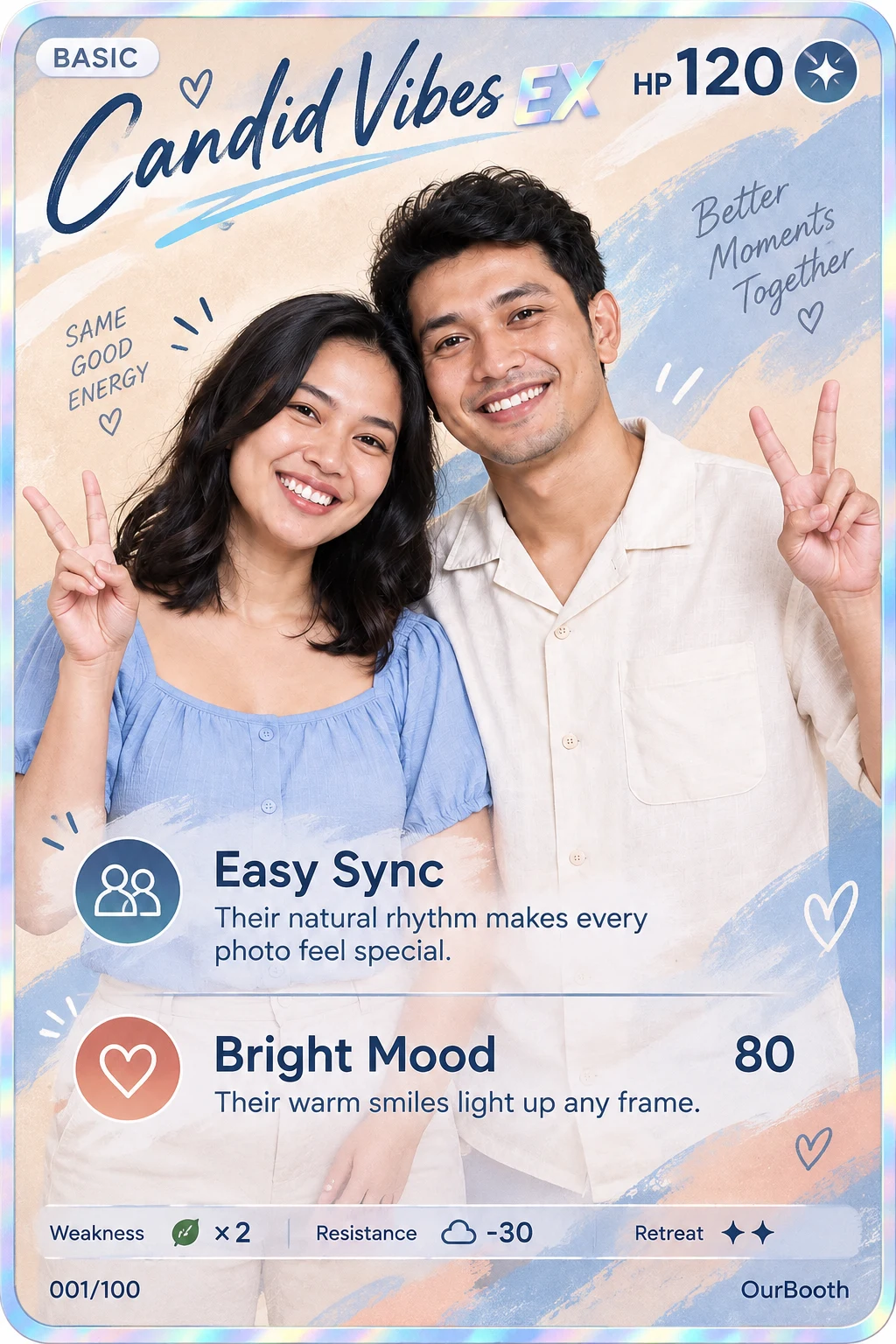

ANDROID + IPAD · OURBOOTH
Foto, cetak, terima pembayaran QRIS, dan bagikan lewat QR. Satu akun OurBooth bisa dipakai di tablet Android maupun iPad.
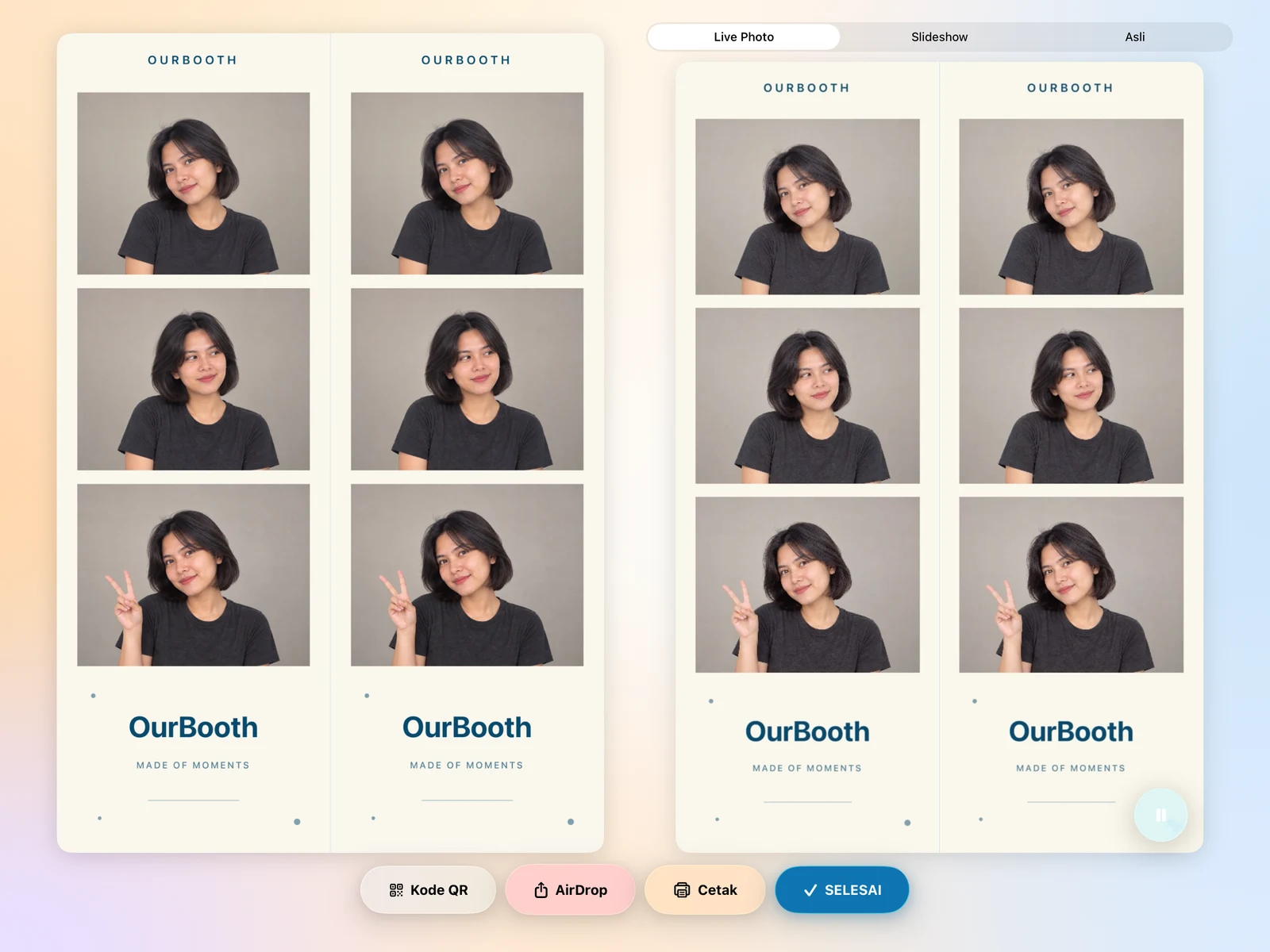
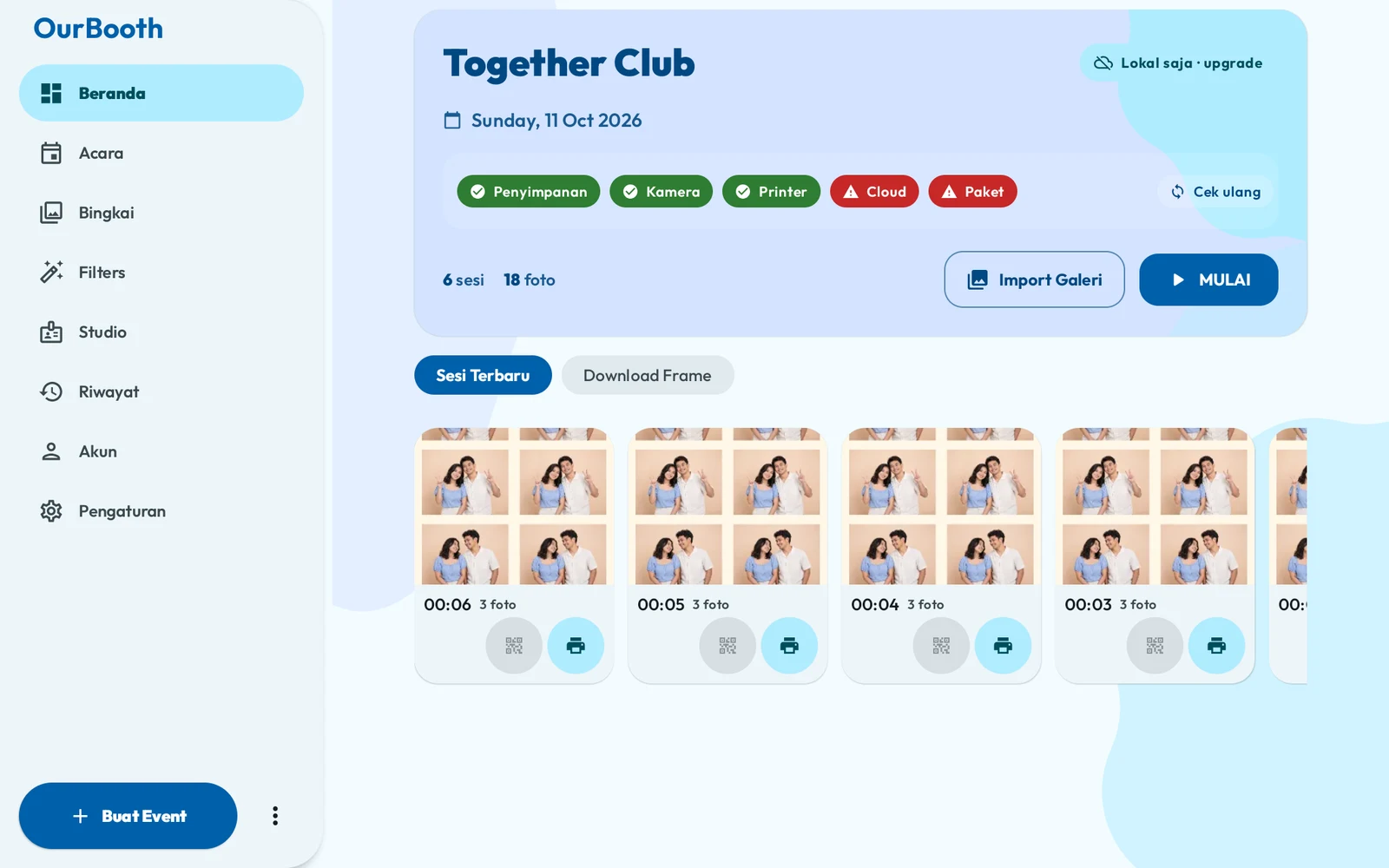
Cara kerja
Tamu tinggal ikuti layar. Kamu cukup siapkan acaranya.
Layar awal direkam dari tablet Android. Animasi alur memakai tampilan aplikasi dan foto demo. QRIS, Live Photo, dan GIF ditampilkan sebagai simulasi.
LEBIH BANYAK CARA BERSERU
Dari strip favorit sampai kartu koleksi. Bikin setiap sesi terasa seperti kamu.
Android & iPad
OurBooth jalan di tablet Android dan iPad. Akunnya satu, jadi acara, frame, dan paket kamu ikut ke perangkat mana pun.
Sama di keduanya
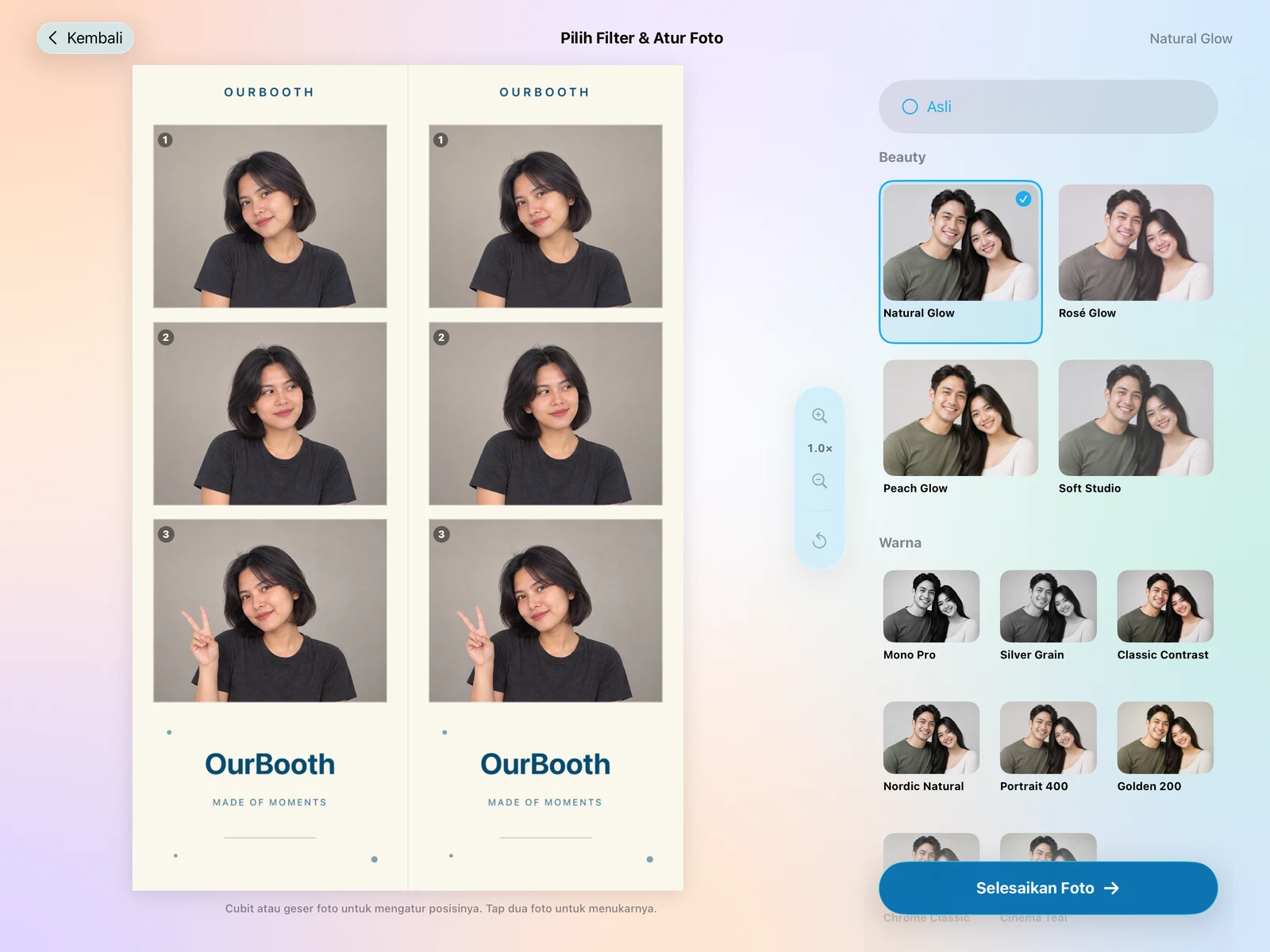
AI Photocard segera hadir di iPad.
Bisa juga dipakai di iPhone.
Jangkauan
Dibuat di Indonesia, untuk pengguna photobooth di berbagai belahan dunia. Dari acara pertama sampai bisnis booth kamu berikutnya.
2.160
pengguna photobooth terdaftar
Berdasarkan akun terdaftar per
Dibuat di Indonesia. Siap ikut ceritamu.
Kota di Indonesia
Negara
Perangkat
Dukungannya tergantung model, cara sambung, dan firmware. Selalu tes dulu sebelum acara.
Pilihan perangkat



Merek adalah milik pemiliknya masing-masing. Jalur koneksi dan dukungan mengikuti model.
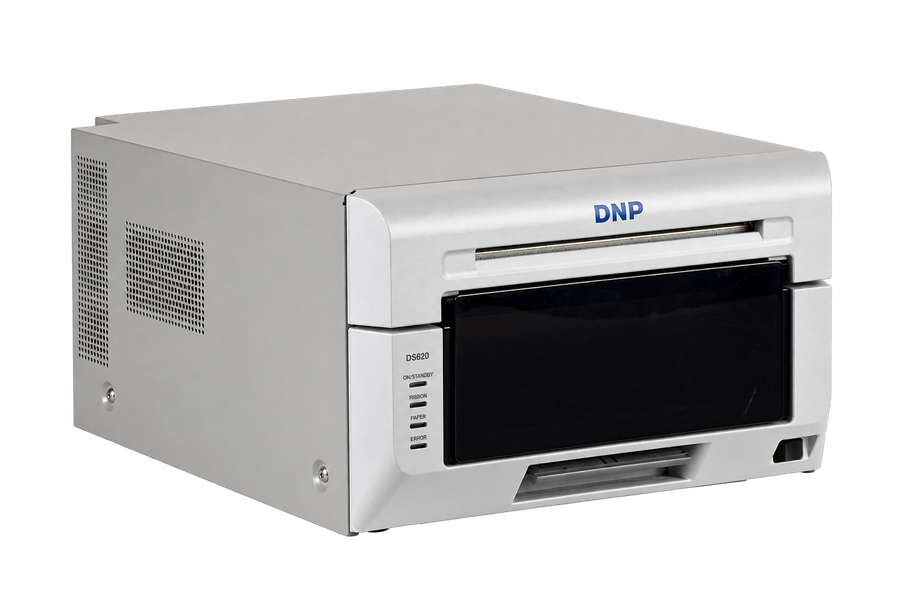
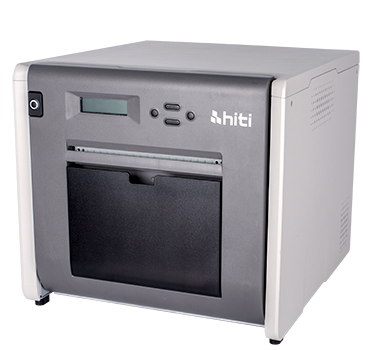
Printer profesional
DNP · HiTi · Fujifilm ASK · Kodak · Citizen · Sinfonia · Mitsubishi
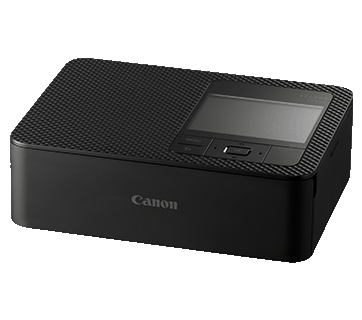
Printer foto
CP1000 · CP1200 · CP1300 · CP1500
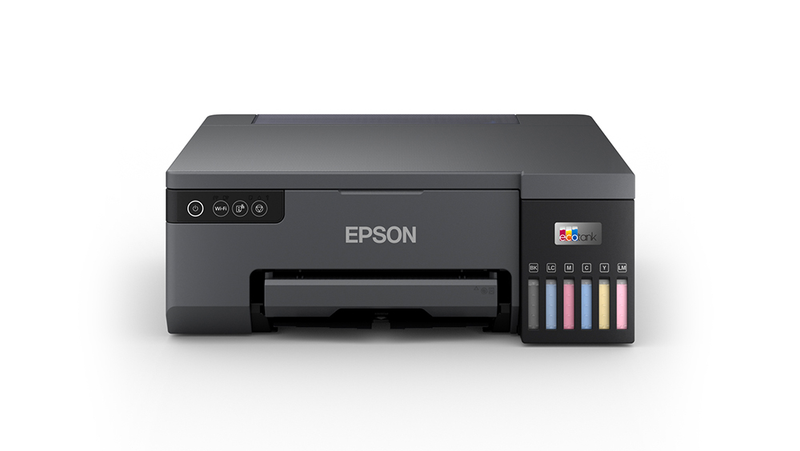
Printer foto
L8050 · L18050 · L3250 / L3251 · L3256 · dan lainnya
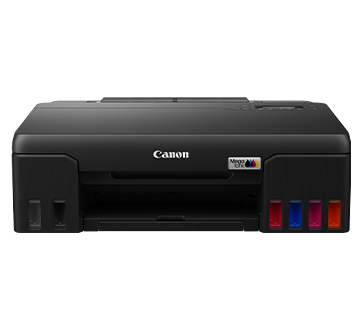
Printer Wi-Fi
Canon · Epson · HP · Brother · dan model bersertifikasi lainnya
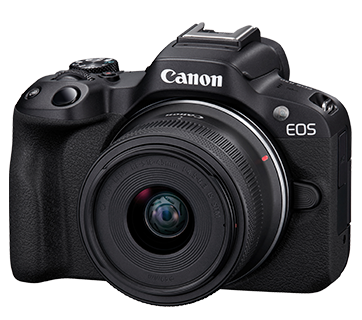
Kamera
DSLR · mirrorless · webcam USB
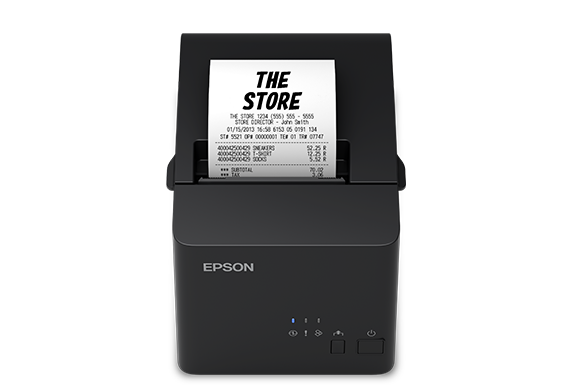
Thermal photobooth
Xprinter · iWare · AIMO · Epson · ESC/POS

Tablet untuk booth
iPad Pro · iPad Air
Hubungkan printer foto profesional langsung ke USB iPad melalui DriverKit Apple. Pilih model DNP, Citizen, atau HiTi yang tercantum di driver OurBooth, lalu atur kualitas dan finishing dari aplikasi.
Aktifkan driver OurBooth di Settings → Drivers, sambungkan printer dengan kabel data USB, lalu pilih Professional USB. AirPrint, Epson langsung, dan Assistant juga tersedia sebagai pilihan koneksi.
Untuk printer dengan driver komputer, sambungkan tablet ke OurBooth Assistant di Windows atau macOS. Lihat OurBooth Assistant
Buat bisnis booth
Kelola acara, frame, perangkat, dan pembayaran dari laptop. Tablet di booth tinggal Sync.
Tampilan dashboard dan galeri dengan data serta foto demo.
Siapkan acara dan pilih frame-nya dari web. Di tablet, tinggal tekan Sync.
Tamu bayar dulu sebelum foto, pakai akun merchant DOKU kamu sendiri.
Buat kode untuk tamu undangan atau promo.
Lihat perangkat yang masuk ke akunmu dan cabut aksesnya kalau perlu.
Semua pembayaran tercatat dan bisa dicek kapan saja.
Setiap sesi masuk ke galeri online. Tamu scan QR, lalu simpan fotonya.
Beberapa fitur butuh paket tertentu. Cek tabel harga di bawah.
OURBOOTH PLUS
Bagikan QR atau link acara. Tamu berfoto di browser HP, memakai frame pernikahanmu, lalu mengirim hasilnya ke album acara. Tanpa memasang aplikasi.
Letakkan QR acara di meja tamu atau kirim link lewat undangan. QR ini membuka photobooth, bukan pembayaran.
Tamu mengizinkan kamera HP dan berfoto dengan frame acara. Bisa mengulang sebelum mengirim hasil yang disukai.
Kamu mengelola foto dari dashboard, mengatur yang ditampilkan, dan mengunduh hasil acara. Akses album pasangan dapat dilindungi kode.
Ilustrasi alur tamu dengan foto contoh, bukan rekaman acara. QR ilustrasi tidak dapat dipindai.
Foto baru yang berhasil masuk arsip Plus tidak punya batas jumlah hari selama Plus tetap aktif dan kapasitas tersedia. File lama dengan masa simpan 14 hari tetap mengikuti tenggat awalnya.
Untuk Virtual Photobooth dalam satu periode langganan yang sudah dibayar. Kuota ini dibagi ke semua acara di workspace, bukan jumlah tamu atau jumlah pose.
Satu kapasitas bersama untuk foto dan media yang tersimpan di arsip Plus, termasuk thumbnail, foto asli, motion, atau pesan suara yang diunggah. Kapasitas tidak kembali kosong setiap bulan.
JADI, APA YANG DIHITUNG?
Satu hasil yang berhasil dikirim memakai 1 kuota. Satu tamu mengirim 5 hasil berbeda? Terpakai 5 kuota. Mengulang foto sebelum Kirim belum memakai kuota.
Upload yang gagal tidak menjadi hitungan sukses. Menghapus hasil yang sudah terkirim tidak mengembalikan kuota. Kuota baru dimulai pada periode berbayar berikutnya; sisa kuota tidak dibawa ke periode berikutnya.
Upload cloud biasa mengikuti masa simpan 14 hari. Aktifkan Plus sebelum membuat upload baru yang ingin diarsipkan lebih lama.
Hasil baru yang sudah masuk arsip tetap tersimpan selama Plus aktif, dalam kapasitas 100 GB. Ini bukan penyimpanan permanen atau kapasitas tanpa batas.
Arsip Plus lama masih bisa dilihat dan diekspor. Foto baru tidak masuk arsip Plus, dan penerimaan foto virtual berhenti. Setelah masa ini, arsip dapat dihapus.
Rp129.000/ bulan · satu workspace
QRIS untuk Indonesia. Bayar satu bulan, lalu perpanjang dengan pembayaran baru. Tidak ada debit otomatis.
Plus adalah tambahan untuk workspace. Paket aplikasi Android/iPad tetap terpisah.
Ketersediaan aktivasi dan pembayaran ditampilkan di dashboard.
Keandalan
Angka dari sesi asli, diperbarui setiap hari. Tingkat berhasil hanya menghitung upload yang sudah selesai.
–
12.924 berhasil · 36 gagal · 4 diproses
99,72%
–
9.627 berhasil · 90 gagal · 1 diproses
99,07%
–
5.271 berhasil · 26 gagal · 3 diproses
99,51%
Data sampai
Harga
Coba 7 hari tanpa kartu kredit. Bayar lewat Google Play atau App Store, akunnya tetap satu.
Coba gratis 7 hari
Aktif otomatis waktu kamu bikin akun di aplikasi. Tanpa kartu kredit.
Untuk booth sederhana dengan kamera bawaan.
Ditagih bulanan · Masa tenggang 3 hari
Beli di Google Play
Untuk operator yang membutuhkan kamera dan output lebih lengkap.
Ditagih bulanan · Masa tenggang 3 hari
Di iPad Rp 139.000/bulan
Beli di Google Play · App Store
Untuk bisnis booth dengan pembayaran dan pengelolaan tim.
Ditagih bulanan · Masa tenggang 3 hari
Beli di Google Play
| Fitur | Starter | Pro | Enterprise |
|---|---|---|---|
| Buat dan kelola acara | Termasuk | Termasuk | Termasuk |
| Sesi booth tanpa batas | Termasuk | Termasuk | Termasuk |
| Layout frame kustom | Termasuk | Termasuk | Termasuk |
| Sinkronisasi frame cloud | 50 frame | 100 frame | 150 frame |
| Sinkronisasi pengaturan cloud | Termasuk | Termasuk | Termasuk |
| Upload galeri cloud | Termasuk | Termasuk | Termasuk |
| Berbagi lewat email | Termasuk | Termasuk | Termasuk |
| Webcam USB | Tidak termasuk | Termasuk | Termasuk |
| Kamera profesional | Tidak termasuk | Termasuk | Termasuk |
| Live Photo dan output bergerak | Tidak termasuk | Termasuk | Termasuk |
| Token generasi AI | 5 token/bulan | 10 token/bulan | 20 token/bulan |
| Payment Center | Tidak termasuk | Tidak termasuk | Termasuk |
| Dashboard tenant | Tidak termasuk | Tidak termasuk | Termasuk |
| OurBooth Games | Tidak termasuk | Tidak termasuk | Termasuk |
| Kontrol penyimpanan | Termasuk | Termasuk | Termasuk |
| Virtual Photobooth | Tidak termasuk | Tidak termasuk | Termasuk |
| Tanpa tanda air | Termasuk | Termasuk | Termasuk |
Starter
Pro
Enterprise
Harga Android belum termasuk PPN dan mengikuti Google Play saat checkout. Harga iPad mengikuti App Store.
Mulai
Trial 7 hari aktif otomatis. Akun yang sama bisa dipakai di Android dan iPad.
Tablet atau HP Android. Download gratis di Google Play.

Download gratis di App Store.
Butuh iPadOS 18 atau iOS 18 ke atas.

FAQ
Masih ada pertanyaan? Hubungi kami
Bisa. Masuk pakai akun yang sama, paket dan frame kamu ikut.
Di Android lewat Google Play, di iPad lewat App Store. Paket yang aktif berlaku di keduanya. Untuk sekarang, paket Enterprise hanya bisa dibeli di Android.
Harga Android di halaman ini belum termasuk PPN. Paket Pro di App Store Rp139.000 per bulan untuk storefront Indonesia.
Gratis 7 hari, aktif otomatis waktu akun dibuat, tanpa kartu kredit. Trial berlaku per akun, bukan per perangkat.
Pilih Canon SELPHY, Epson ESC/P-R Wi-Fi termasuk L3251, atau printer IPP / AirPrint. Printer profesional memakai OurBooth Assistant dengan driver Windows atau macOS yang sesuai; iPad M-series juga mendukung USB langsung melalui DriverKit untuk model DNP, Citizen, dan HiTi yang tercantum. Lihat daftar model dan cara setup di bagian Perangkat.
Bisa, untuk model tertentu. Di Android lewat USB (PTP) atau webcam USB. Di iPad untuk Canon, Sony, dan Nikon lewat USB. Tes dulu sebelum acara.


